 cliplookout
Creator
For your weekly highlight reel.
$19/ month
(exclusive of tax)
- Monthly footage
- 5 hours
- Included live recording
- 2 hours
- Monthly Shorts (up to)
- 20
- Saved Library (planned)
- 10 GiB
ClipLookout’s AI video clipper turns GTA 6 gameplay into vertical clips for streamers. Connect your live Twitch channel or paste a VOD, YouTube video or MP4. Download highlights as they finish, even while you stream.
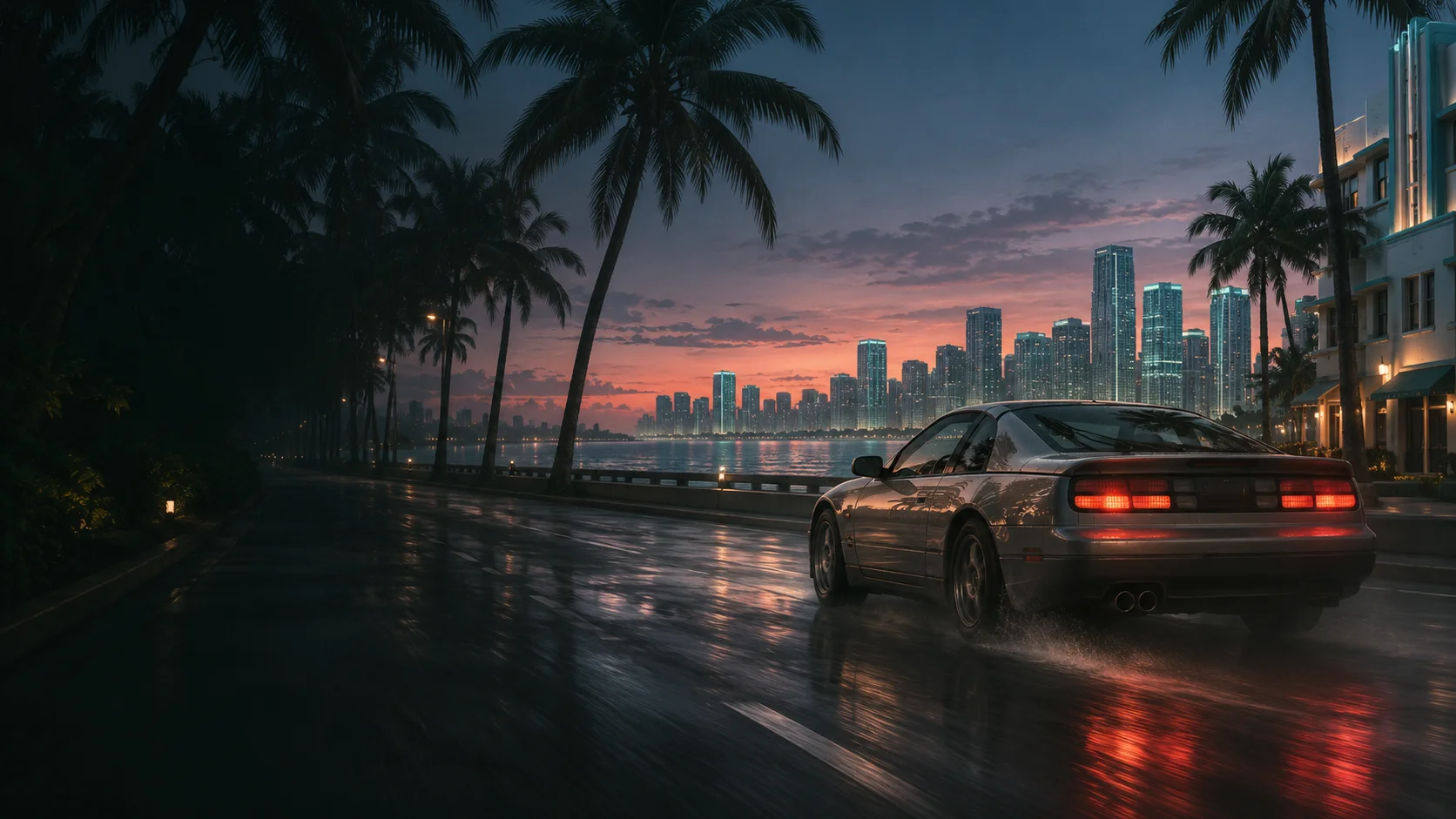
Three moments to look for when you stream Grand Theft Auto VI. Bring your gameplay to ClipLookout as a live Twitch channel or a recording.
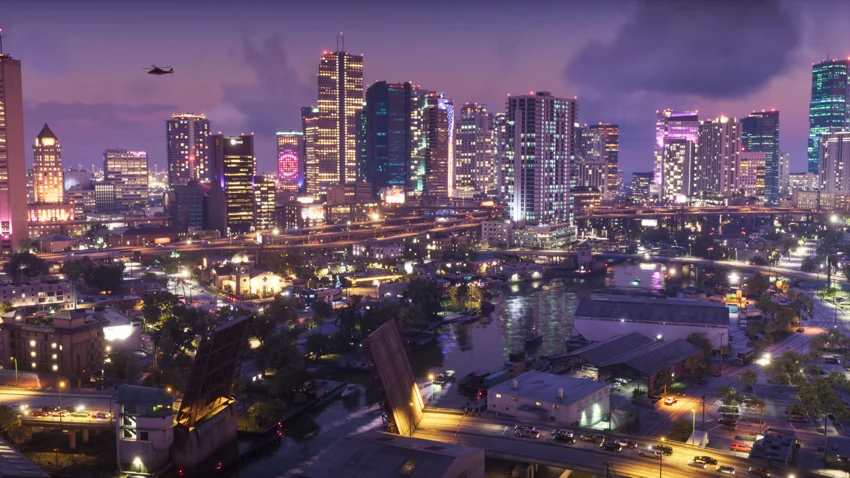
Start with the missed turn. End on the escape through Vice City.
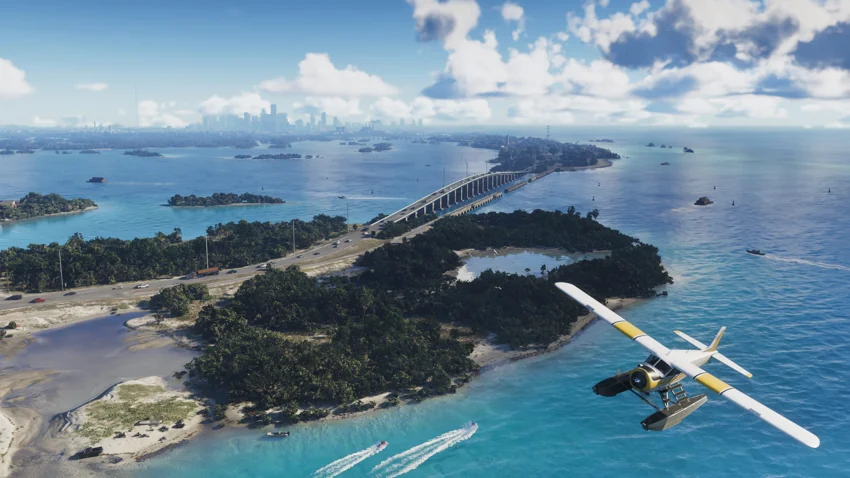
Keep the approach to the bridge and the reaction when you make it across.
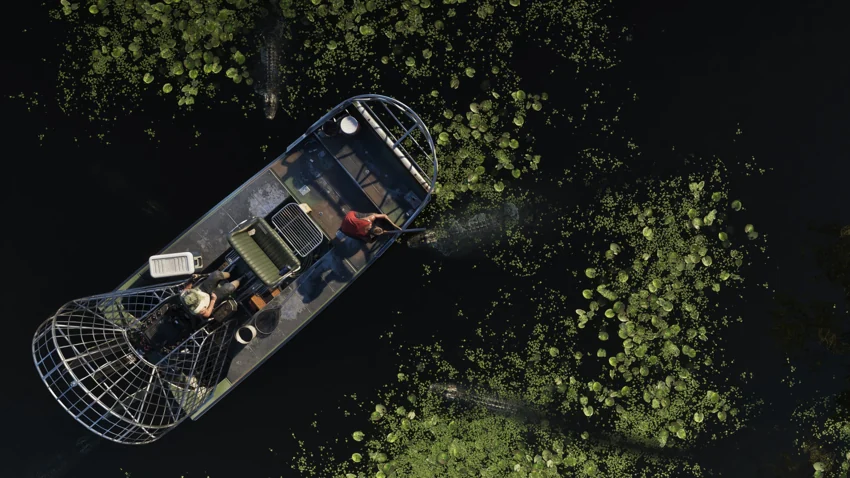
Give the quiet ride through Grassrivers a beat before the surprise.
Game imagery © Rockstar Games. An independent ClipLookout feature.
Less time looking for the good part.
More time making it your own.
Add your Twitch channel for a live capture, or paste a link to a Twitch VOD, YouTube video, or MP4 recording.
Live streams and recordings.Open your workspaceLive recording counts toward your footage hours.
Hours reset on paid renewal.
For your weekly highlight reel.
(exclusive of tax)
For a regular streaming schedule.
(exclusive of tax)
For a full calendar of streams.
(exclusive of tax)
Coming soon
Prices are in US dollars. Stripe calculates applicable tax at checkout.
15 minutes of footage, up to 3 Shorts, 30-day downloads. No saved storage.
Footage hours measure the duration of the original recording or stream you submit. A two-hour stream uses two footage hours and two of your included live hours.
Your monthly footage and live recording allowances reset when your subscription renews successfully.
Open your workspace to review and download your vertical MP4s. During a live capture, you can pick up finished clips while the stream continues.
Yes. A single session covers one recording of up to 15 minutes and produces up to three clips. You can choose it beneath the monthly plans.